
A truck comes back with a bouncer, two blowers and several bags. The booking system says the event is finished, but that does not tell the warehouse whether every dispatched item is back. An inflatable rental return checklist connects the physical return to the original order: what left, what arrived, what differs and who will resolve each difference.
Use the checklist for one rental order at a time. It can sit beside your booking software or start as a shared form. Its output is a reconciled return record and an open-action list. It does not replace equipment assessment or authorise the next dispatch.
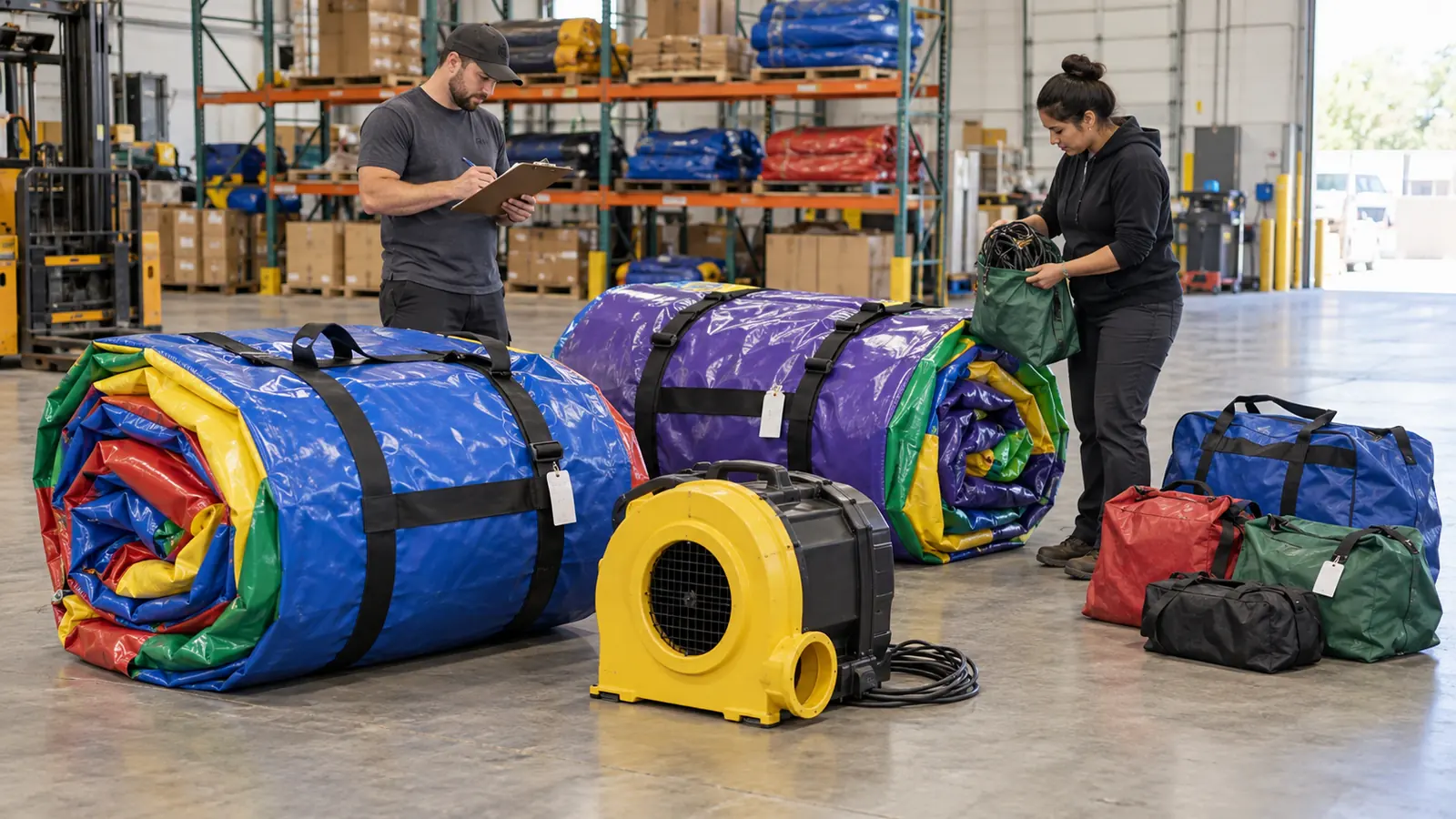
Use the final dispatch revision, including any approved substitution made after the original booking. Record the order reference, dispatch date, return reference and staff member doing the count. A catalogue package name is not a reliable count of what was loaded.
For commercial bouncers and bouncer-and-slide combos, identify the physical unit separately from its model name. Record the assigned blower and accessory-kit references where they exist. The equipment identity and asset-record guide explains permanent identifiers; this return form uses those identifiers to match one dispatch to one return.
If the dispatch list is incomplete, mark that limitation and ask the dispatch owner to confirm it. Do not rewrite the outgoing quantity merely to match the items now on the floor.
Keep returns from different jobs distinguishable until their identities are checked. Label a receiving area or return group with its order reference. If two jobs arrive on one vehicle, reconcile each against its own list rather than combining the totals and assuming the overall count proves both are complete.
Check main units, separately identified blowers or pumps, and listed kits. For inflatable accessories, distinguish an individual item from a kit counted as one package. If a kit must be opened and its contents checked under your procedure, an unopened bag is not evidence that every listed part is present.
Record who counted and when. If another shift receives the remaining items, add a linked entry so the later delivery does not erase the earlier shortfall or duplicate an item already counted.
“Not yet counted” means the check remains incomplete. “Not returned” means an expected item was not found in the checked return. “Wrong item returned” means an item is present but its identity does not match the dispatch record. Those outcomes need different follow-up; none should be hidden inside a general “problem” checkbox.
A count discrepancy is also separate from a condition note. A blower can be physically present while an operator has reported an unusual sound. Record both facts without deciding the cause. A customer or driver saying an item stayed at the venue is a reported location to verify, not a completed recovery.
Link return photographs to the order and item reference, then compare with any relevant dispatch photographs. Show the overall item and the reported area clearly. Keep original files and note when and by whom an observation was made. Avoid treating a blurry photograph or an absent dispatch image as proof of when damage occurred.
Write observations such as “opening visible beside the labelled handle” rather than “customer tore the unit.” Staff accounts can differ; retain the accounts separately and send unresolved technical questions to the responsible assessor. Do not inflate, test or operate suspect equipment simply to complete a photograph for the return sheet.
Keep one line per listed item or controlled kit. Add a separate action reference when several checks are needed for the same discrepancy. The worksheet can use the following field groups:
| Field group | What to record |
|---|---|
| Order and return | Order reference, dispatch revision, return date and receiving group. |
| Expected item | Asset or kit reference, description and dispatched quantity. |
| Received item | Observed identity, received quantity, counter and time. |
| Difference | Not yet counted, not returned, wrong item or other stated discrepancy. |
| Condition evidence | Neutral observation and linked photographs or report. |
| Action owner | Named person, next check and next update date. |
| Closure | Recovered or corrected item, supporting reference, closer and date. |
Illustrative case: the dispatch list contains two separately identified blowers, while the receiving count finds one. Record one received and one not returned. Assign someone to check the vehicle and venue contact. If the second arrives later, link that receipt and close the quantity discrepancy; do not replace the original count with an unexplained total of two.
Give each open line a named owner and a specific next action. Closure might be supported by a later receipt, correction of a documented identity error or a decision recorded by an authorised manager. If responsibility or a charge is disputed, refer that question through the business’s agreement and approval process; the count alone does not authorise a deduction.
Keep return reconciliation separate from service status. “All dispatched items accounted for” does not mean cleaned, assessed or ready for use. The reservation and turnaround guide covers how changed return timing affects the next booking; the return record provides actual receipt information rather than a promised ready time.
For your next supplier order, ask for clear unit and accessory identification that can be carried into the dispatch list. A useful rental return form ends with traceable quantities, recorded observations and visible unresolved actions, so the next team can continue without guessing.