
A rental software demonstration can look convincing until you ask it to represent your actual fleet. Your catalogue may contain several identical bouncers, a combination package using shared items and equipment awaiting maintenance. The useful question is whether the system handles those arrangements in a way your team can understand and maintain.
Choosing inflatable rental software is a purchasing project. Define what the business needs, ask vendors to demonstrate it and compare the work required to adopt and eventually leave each system. A feature list starts that conversation; a recorded trial helps you make the decision.
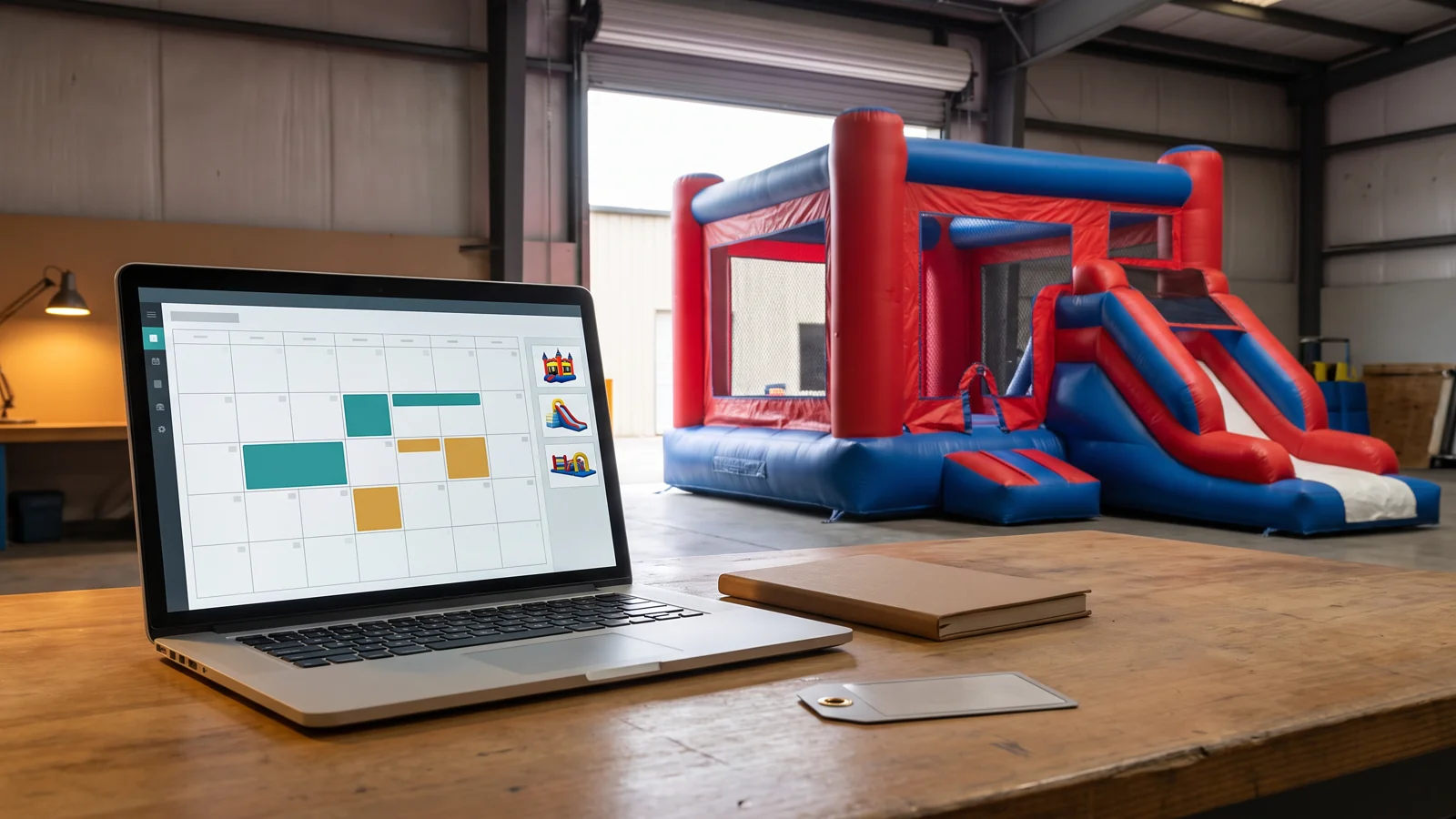
Describe the business the software must support today. Record how many locations, people and sales channels need access, which tools you already use and which records must move. Identify problems that justify changing systems, such as repeated manual entry or uncertainty about quantities, instead of beginning with every feature a vendor advertises.
Explain how you distinguish products from individual assets. Several commercial bouncer models can each have multiple physical units, while a package may combine separately available items. Ask the provider which arrangements its product supports and how those arrangements affect availability.
Mark each requirement as essential, useful or outside the initial rollout. Name the person who will judge it. A booking manager may need a clear availability view, while an administrator needs usable payment records. Resolve conflicting expectations before a salesperson presents a solution to only one person’s problem.
Existing procedures supply the requirements. Our guide to full reservation windows and booking conflicts explains the underlying scheduling control. The software evaluation asks whether the proposed system can represent that control consistently.
Prepare a small set of trial scenarios using fictional customer details and clearly labelled test records. Include the expected result for each scenario, then ask the vendor to show the full sequence rather than a prepared screen with a successful booking already entered.
Start with quantity availability. Ask what happens when overlapping enquiries request more units than the catalogue contains. Follow a temporary hold through its expiry or confirmation, then change the event dates and inspect the resulting availability. Check what staff see at each stage and which settings determine the outcome.
Next, test a unit unavailable for maintenance and a package that shares components with other offers. For commercial combo inflatables, distinguish the physical product from any sales package containing it. Ask the provider to explain which items are reserved and how the team identifies the equipment assigned to a job.
Finish with a changed or cancelled booking and the staff roles needed to process it. Record whether the required behaviour was demonstrated, described by the vendor or remains unresolved. These are proposed acceptance tests, not a claim that any particular product supports every scenario.
Ask for the supported import format and the fields it accepts. Compare that format with a small sample of your existing product, customer and future-booking records. Identify what can be imported, what needs mapping and what would require manual entry.
Pay attention to identifiers, quantities, dates, time zones and booking states. Ask how the provider prevents an imported record from creating a second copy of an existing booking. Request a way to review the imported results before accepting them as the working records.
Use your unit identity and asset-status records to define what information must survive the move. Confirm whether the new system represents individual units, product quantities or another structure. Do not assume an item named “inventory” preserves your existing maintenance history or assignments.
Agree who performs the trial import, who checks it and how errors will be corrected. Plan the point at which staff stop entering new work in the old system and begin using the new one. Retain a dated baseline and an agreed recovery approach if the transfer cannot be completed as intended.
Request a written offer for the configuration you would actually use. Ask which features belong to the base subscription and which require another module, service or provider. Include onboarding, website work, payment arrangements, staff access and support in that conversation.
The product categories can overlap without being equivalent. InflatableOffice lists booking, delivery, inventory and customer-management capabilities. InflateMate describes booking controls, quantity management and maintenance-related item statuses. Use the providers’ descriptions to prepare questions, then verify the specific configuration offered to you.
Ask how charges change when you add products, users or locations. Confirm the terms for optional services and payment processing with the responsible provider. A cheaper subscription can require more setup or continued manual work; compare those demands using your own staffing expectations rather than an assumed saving.
For each integration, name the other application and the information that must move between them. Ask about direction, timing, errors and responsibility for support. A logo on an integrations page does not establish that your required records move through the exact workflow you need.
Give each staff role the access it needs for the trial. Ask a user with that role to attempt an important change, then check what the system permits and records. Test with the account staff would actually use, rather than relying on an administrator’s view.
Confirm how support requests are submitted, when assistance is available and what onboarding includes. Identify who will maintain settings after the initial setup. If the only person who understands the configuration leaves, your team still needs a practical way to manage it.
Before signing, ask what data can be retrieved if you leave. Request the available formats, included records, charges and timing, and test a representative export where possible. Clarify access to historical documents and any website assets supplied under the arrangement. Keep the provider’s response with the offer; do not leave the exit discussion until a future move becomes urgent.
Use one scorecard for every candidate. Record essential gaps separately from optional advantages so a long feature list cannot hide a missing requirement.
| Review field | What to record |
|---|---|
| Requirement | Business task, expected result and essential or optional status |
| Evidence | Documentation reference or trial date and observed behaviour |
| Confirmation state | Demonstrated, vendor-described or unresolved |
| Adoption work | Data preparation, configuration, training and responsible person |
| Commercial terms | Offered scope, recurring charges and optional services |
| Open decision | Gap, follow-up owner and condition for acceptance |
Choose the offer whose confirmed capabilities and adoption work fit your operation. Where an essential question remains unresolved, obtain an answer or another demonstration before committing. Preserve the agreed configuration and test record for the rollout.
When adding equipment to the fleet, ask the supplier which model, configuration and packing information it can provide for your catalogue. Accurate equipment data helps you assess a system against the products you will manage. The software choice still depends on how the proposed service handles your business requirements.